
Custom Tick Styles in GB WhatsApp Pro v18.80
Replace the default delivery and read ticks with hearts, stars, arrows and other shapes.
In context
Why people actually use Custom Tick Styles
Custom Tick Styles changes the visual appearance of the message-delivered and read indicators (the single tick, double tick, and blue double tick). GB WhatsApp Pro ships with several alternative tick designs — Material You round ticks, classic flat ticks, retro pixel-style ticks, animated heart ticks. Cosmetic only; the underlying delivery state is unchanged. Some people change tick styles to match a theme; others change them for fun.
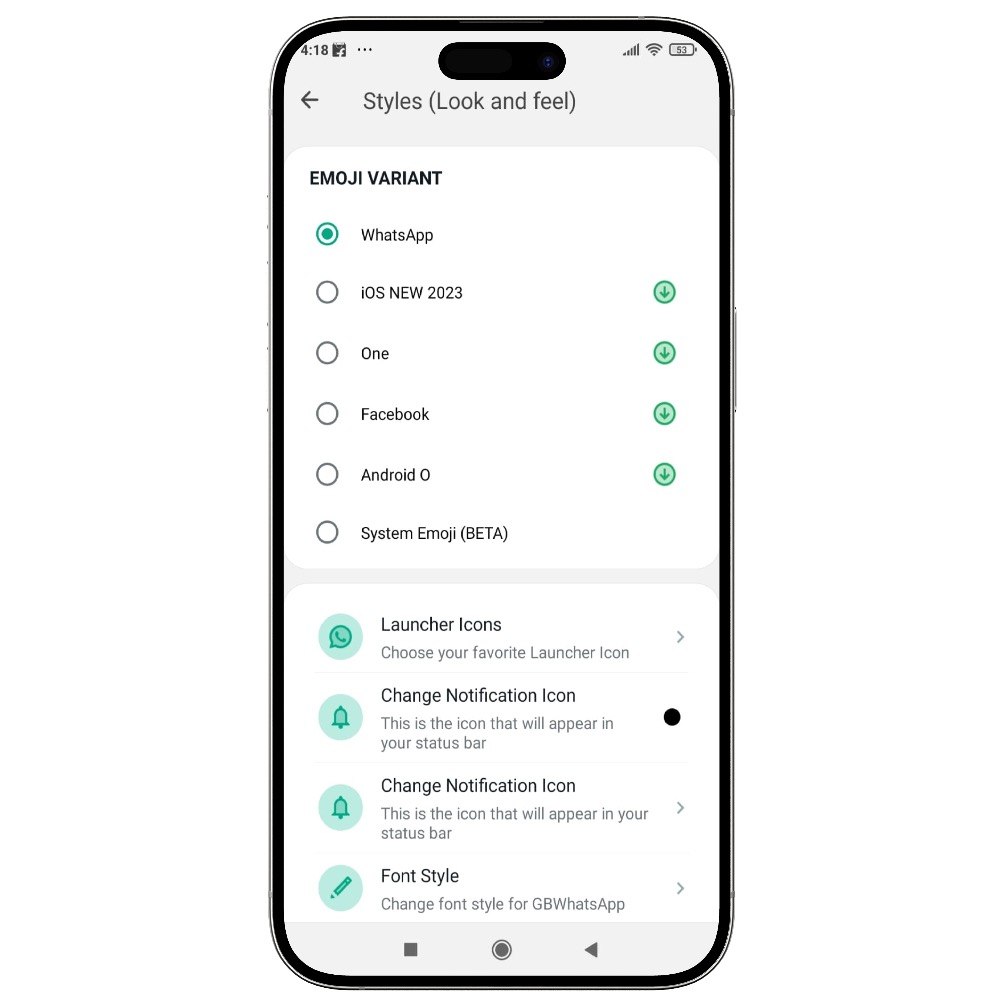
Deep Dive
What Custom Tick Styles actually does
Personalise the tick marks that appear under each sent message. GB WhatsApp Pro includes 15+ tick-style packs — including hearts, stars, arrows and minimal lines — so your chat feed looks the way you want. Tick styles can be applied globally or per chat.
Key benefits
- 15+ tick-style packs
- Apply globally or per chat
- Hearts, stars, arrows and minimal styles
How to enable
Enable Custom Tick Styles in 2 steps
Total time: about 30 seconds. Requires GB WhatsApp Pro v18.80 to be installed first. If you have not installed yet, download from the homepage.
-
Open GB Settings → Style
Three-dot menu → GB Settings → "Style" → "Ticks".
-
Pick a tick style
Preview each one in the gallery. Tap to apply. The change shows up the next time a message is sent or received.
FAQ
Questions about Custom Tick Styles
Will the new ticks confuse the people I chat with?
Can the ticks be coloured?
Common mistakes
What people get wrong with Custom Tick Styles
The most-asked support questions about Custom Tick Styles come from these three patterns. Worth scanning before you enable.
- 1
Picking a tick style with very low contrast against your theme background, then not being able to tell whether a message was delivered.
More from Customisation
Related customisation features
4,000+ Themes
Pick from a built-in library of thousands of themes that completely transform your chat experience.
Custom Fonts & Text Styles
Pick from 30+ fonts and use bold, italic, monospace and decorative styles in your messages.
Custom Launcher Icons
Change the app icon on your home screen — disguise GB WhatsApp Pro as any other app.
Useful next
More on Custom Tick Styles and related topics
Hand-picked guides on how this feature interacts with installation, anti-ban routing, and the rest of GB WhatsApp Pro.
- How-to
Install GB WhatsApp Pro on Android
Safe sideload sequence — enable Unknown Sources, verify SHA-256 hash, first-launch checks.
Read - How-to
Update without losing chats
Safe in-place update procedure from any older build. Backup, install over, verify the upgrade kept your data.
Read - Blog
Anti-Ban Guide 2026
What "anti-ban" actually means at the routing-layer level, which user behaviours actually raise ban risk, and what to do if a ban hits.
Read
Get Custom Tick Styles (and 24 more features)
Install GB WhatsApp Pro v18.80 from gbwhattspro.com — every feature unlocked from first launch.