
Anti-Delete Messages & Status in GB WhatsApp Pro v18.80
See messages and statuses that other users delete after sending — nothing disappears from your end.
In context
Why people actually use Anti-Delete Messages & Status
Anti-Delete is the feature that recovers messages the sender has tried to delete after sending. In official WhatsApp, when someone hits "Delete for everyone", the message disappears from your chat replaced by "This message was deleted". GB WhatsApp Pro's Anti-Delete intercepts the delete event and keeps the original message visible, with a small grey label showing it was deleted by the sender. The same applies to status updates — Anti-Delete preserves a status that the uploader has removed. The use case is the obvious one: knowing what someone actually wrote before they thought better of it. Important context: this only works for messages that arrived on your device before the delete event. If your phone was offline when the sender hit delete, the message is gone — Anti-Delete is not server-side magic.
Deep Dive
What Anti-Delete Messages & Status actually does
When someone uses "Delete for everyone" on official WhatsApp, the message normally vanishes from your chat too. GB WhatsApp Pro keeps a local copy so deleted messages remain visible to you, with a small label showing they were recalled. The same applies to statuses — once you have viewed them, they stay accessible even if the sender removes them. This works for text, media and voice notes.
Key benefits
- Read deleted messages even after recall
- View deleted statuses anytime
- Works for text, photos, videos and voice notes
How to enable
Enable Anti-Delete Messages & Status in 3 steps
Total time: about 30 seconds. Requires GB WhatsApp Pro v18.80 to be installed first. If you have not installed yet, download from the homepage.
-
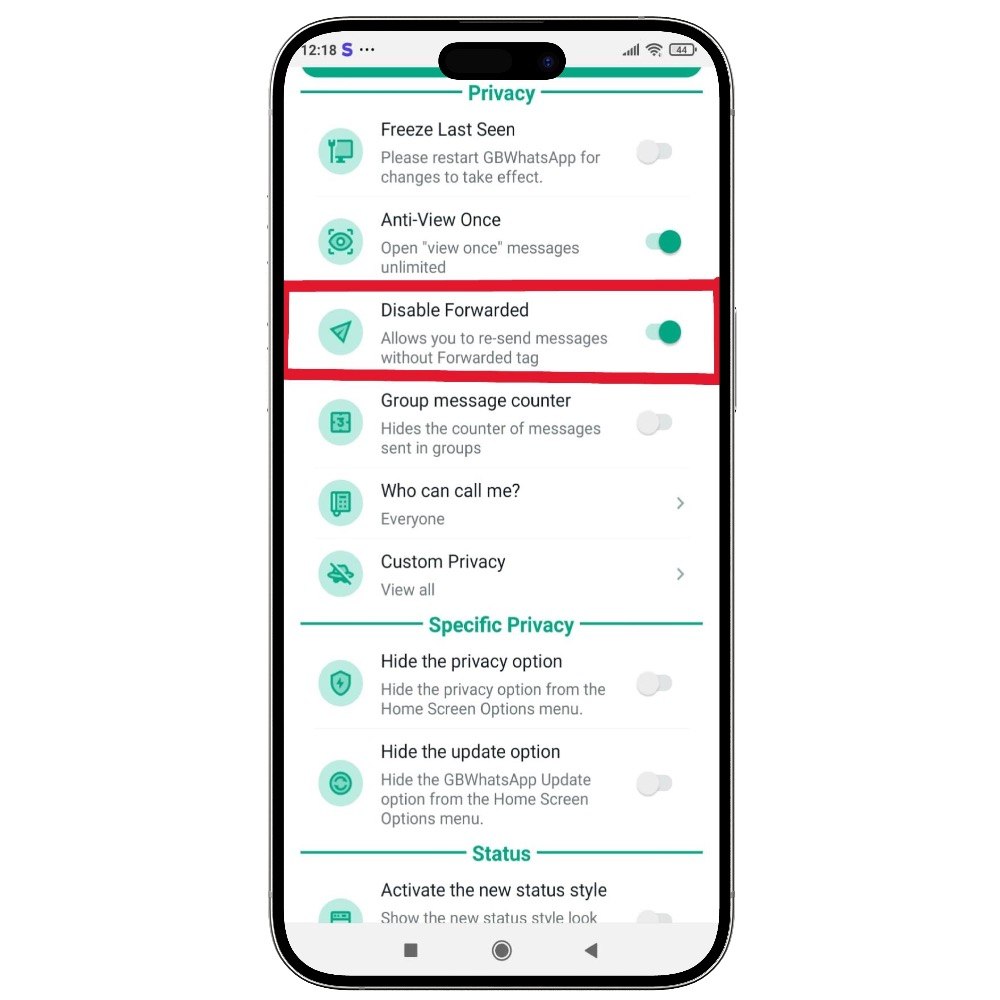
Open GB Settings → Privacy
Three-dot menu → GB Settings → Privacy section.
-
Find Anti-Delete options
There are two separate toggles: "Anti-Revoke Messages" and "Anti-Revoke Status". The first covers chats, the second covers Status uploads.
-
Enable both
Tap each toggle on. The setting takes effect immediately for any future delete events. Existing deleted messages are not restored.
FAQ
Questions about Anti-Delete Messages & Status
Does the sender know I have Anti-Delete enabled?
Will Anti-Delete recover messages deleted before I installed GB WhatsApp Pro?
Does Anti-Delete work for groups too?
What if the sender deletes a media message?
Common mistakes
What people get wrong with Anti-Delete Messages & Status
The most-asked support questions about Anti-Delete Messages & Status come from these three patterns. Worth scanning before you enable.
- 1
Confronting the sender about "I saw what you wrote before you deleted it". This usually ends the relationship and tells the other person you have a modified client. Use the information privately.
- 2
Assuming Anti-Delete recovers everything. If you were offline when the delete happened, or if the sender deleted the message within seconds of sending (before your device received it), it is genuinely gone.
More from Privacy
Related privacy features
Ghost Mode
Become completely invisible — others see no online status, typing or recording indicators, and no read receipts.
Hide Online Status
Stay invisible while chatting — nobody sees the "online" badge under your name.
Freeze Last Seen
Freeze your last seen timestamp so others always see an old time, even when you are using the app.
Useful next
More on Anti-Delete Messages & Status and related topics
Hand-picked guides on how this feature interacts with installation, anti-ban routing, and the rest of GB WhatsApp Pro.
- How-to
Install GB WhatsApp Pro on Android
Safe sideload sequence — enable Unknown Sources, verify SHA-256 hash, first-launch checks.
Read - How-to
Update without losing chats
Safe in-place update procedure from any older build. Backup, install over, verify the upgrade kept your data.
Read - Blog
Anti-Ban Guide 2026
What "anti-ban" actually means at the routing-layer level, which user behaviours actually raise ban risk, and what to do if a ban hits.
Read
Get Anti-Delete Messages & Status (and 24 more features)
Install GB WhatsApp Pro v18.80 from gbwhattspro.com — every feature unlocked from first launch.